
Looking for a Power BI alternative? Discover Zoho Analytics - a modern, cost-effective, and one of the best Power BI alternatives for data analysis and visualization.
Power BI is a natural choice for companies deeply embedded in the Microsoft ecosystem, but outside of that ecosystem, it becomes less convenient. Full report creation is still most conveniently done via the desktop application, and collaboration and advanced AI features require higher-tier plans (Pro: $14/user/month, Premium Per User: $24/user/month).
Zoho Analytics delivers many features in a single, more accessible model. It offers a free plan (up to 2 users and 10,000 data rows), and paid plans start from $25 per month per account (Basic plan, 2 users) - billing is per account/workspace, not per user. Additionally, it includes over 500 native connectors, AI as standard, and deployment options in the cloud, on-premise, and private cloud.
If you're tired of Power BI's rising costs, complex interface, and functional limitations - Zoho Analytics is the best alternative, designed for speed, simplicity, and savings. Check out our summary - details below.
Save 70–80% compared to Power BI - same features, better price
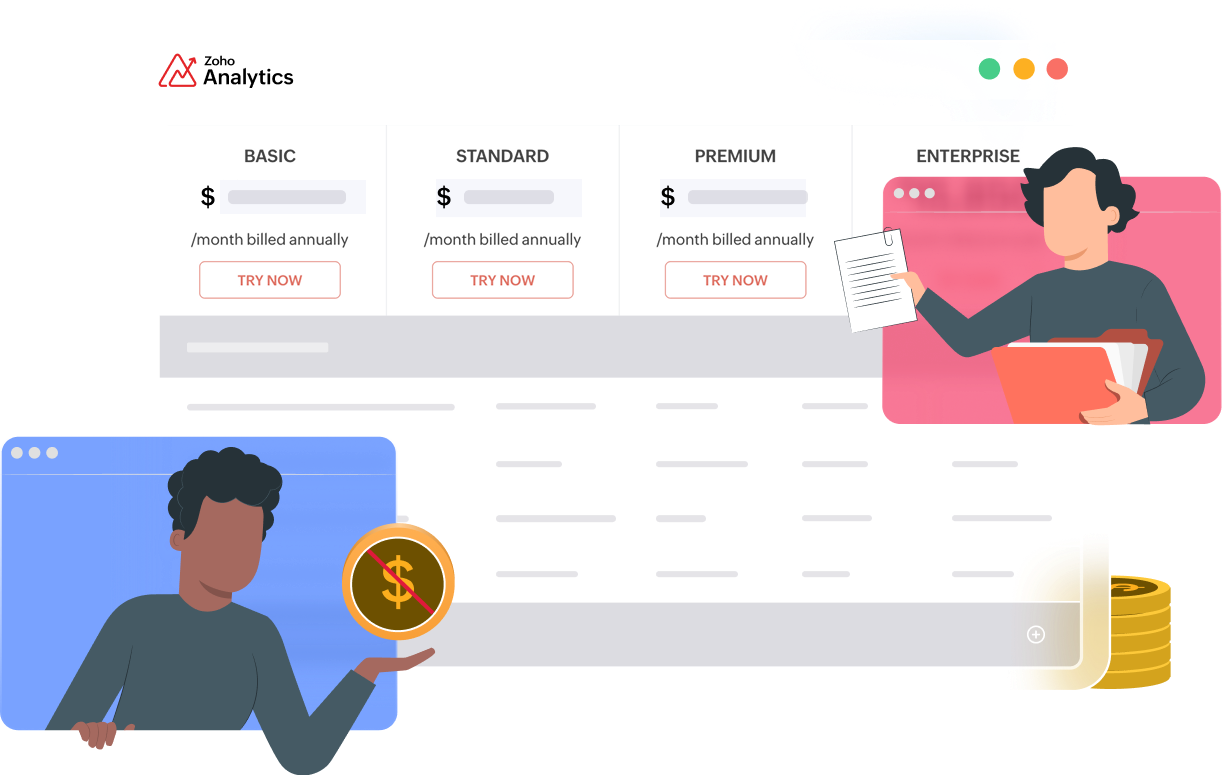
Fixed or per-user plans
Get clear pricing upfront, before you start. No hidden fees for sharing, embedding, or data refreshes.
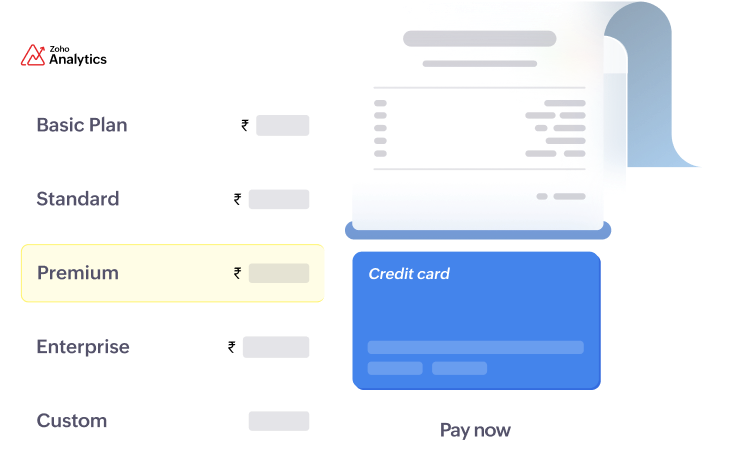
Transparent Pricing
You always know what you're paying for. Finally, a BI tool whose pricing model doesn't need its own dashboard.
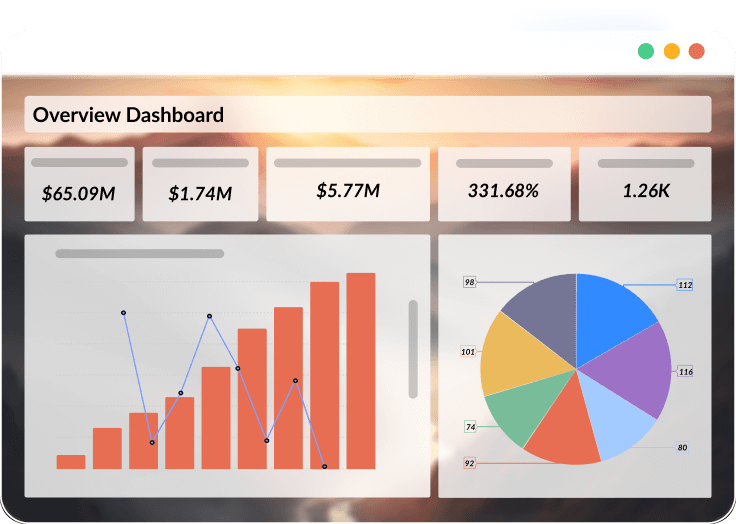
Intuitive Drag-and-Drop Analytics
Create reports with clicks, not code. Designed for various user types, so your team can focus solely on insights.
Price comparison: Zoho Analytics vs PowerBI
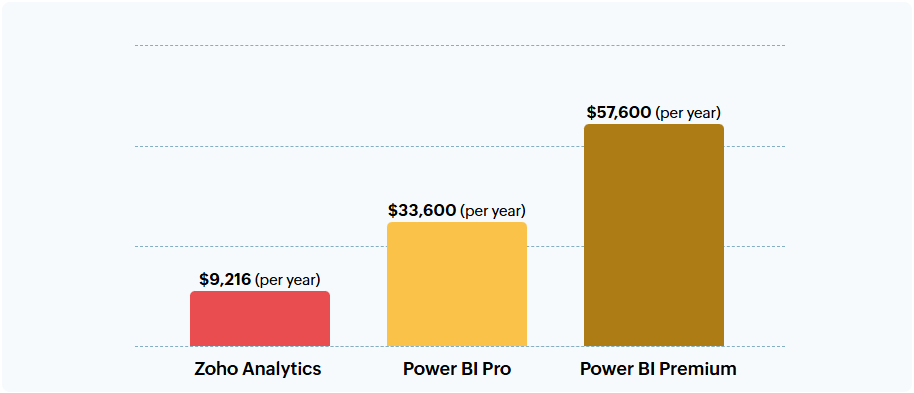
For 200 users, Zoho Analytics costs $9,216 annually, while Power BI Pro costs $33,600, and Power BI Premium $57,600 annually. This provides a real saving of 73% vs Power BI Pro and 84% vs Power BI Premium.
Zoho Analytics vs PowerBI: Key Feature Comparison
1. Data Integration, Preparation, and Blending
Zoho Analytics offers over 500 native data connectors, making it easy to quickly connect various sources. The platform also has built-in data preparation features that are easy to use even for non-technical users. Additionally, Zoho Analytics automatically blends data from different sources, which simplifies analysis and reporting.
Power BI provides strong integration with the Microsoft ecosystem; however, connecting other data sources often requires manual configuration. Data preparation primarily relies on Power Query, which can be more complex for less technical users. For more extensive datasets, additional configuration is often needed.
2. Visualization, Reporting, and Automation
Zoho Analytics allows for report creation using an intuitive drag-and-drop interface and offers over 50 visualization options. The platform also supports data workflow and reporting automation.
Power BI offers advanced visualization capabilities, but report creation typically requires a separate desktop application. Automation and more advanced reporting features often require paid licenses, such as Pro or Premium.
3. AI, Predictive Analytics, and Machine Learning
Zoho Analytics leverages Zia AI for automated insights, natural language queries, and anomaly detection. It also features built-in DSML Studio tools which enable predictive analytics and anomaly detection without the need for coding.
Power BI offers AI features; however, automation is more limited. Advanced machine learning capabilities typically require the use of Azure ML, Python, or additional Microsoft services.
4. Deployment, Scalability, and Customization
Zoho Analytics offers flexible cloud and on-premise deployment options. The platform easily scales with growing data and organizational needs, often without incurring additional costs. Users can also customize the platform to specific business needs.
Power BI operates primarily in a cloud model, and on-premise deployment requires Power BI Server. Handling large datasets typically requires a Premium plan. Customization is possible but often requires a more technical approach.
5. Collaboration, Compliance, and Security
Zoho Analytics supports real-time collaboration and easy report sharing. It offers global data centers, compliance with regional data protection requirements, multilingual support, and adherence to standards such as ISO/IEC 27001, 27017, 27018, SOC 2 Type 2, GDPR, and HIPAA.
Power BI provides strong compliance within the Microsoft ecosystem, including ISO 27001, 27018, GDPR, and HIPAA. Collaboration features typically require Pro or Premium versions, and access to some tools may involve additional Microsoft services.
Summary
Zoho Analytics is a cost-effective alternative to Power BI for companies looking to reduce BI tool costs, simplify data operations, and create reports faster without excessive reliance on the Microsoft ecosystem. The platform combines data integration, data preparation, automatic source blending, visualization, reporting, automation, and AI functionalities all in one environment.
Compared to Power BI, Zoho Analytics can be more accessible for teams that need a clear pricing model, an intuitive drag-and-drop interface, and easy report sharing. With over 500 native connectors, more than 50 visualization options, Zia AI features, and DSML Studio, Zoho Analytics enables faster progression from data to insights and business decisions. Furthermore, real savings of 72% compared to Power BI Pro and 84% compared to Power BI Premium make the platform an attractive choice for companies seeking scalable analytics at a better price.
Looking to replace Power BI with more cost-effective analytics from Zoho?
We will show you how to leverage Zoho Analytics to automate reporting, monitor KPIs, and make better business decisions. We will implement Zoho Analytics, connect data from various sources, streamline the data preparation process, and create dashboards tailored to your team's needs. Contact us to improve data operations in your company.